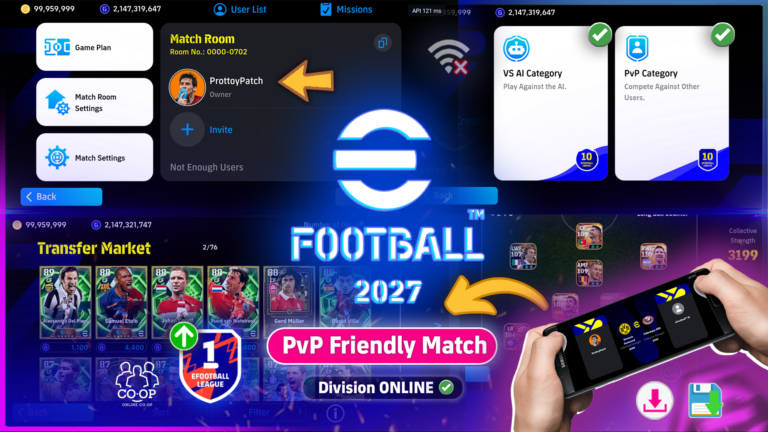
eFootball 2027 Mobile Offline Update Chinese Version | Fix Bugs

efootxi V1.3.2 delivers a substantial update with more than 14,000 usable player card versions, an expanded special player collection, new booster managers, additional skills, improved progression saving, and important fixes for AI Division and My League.
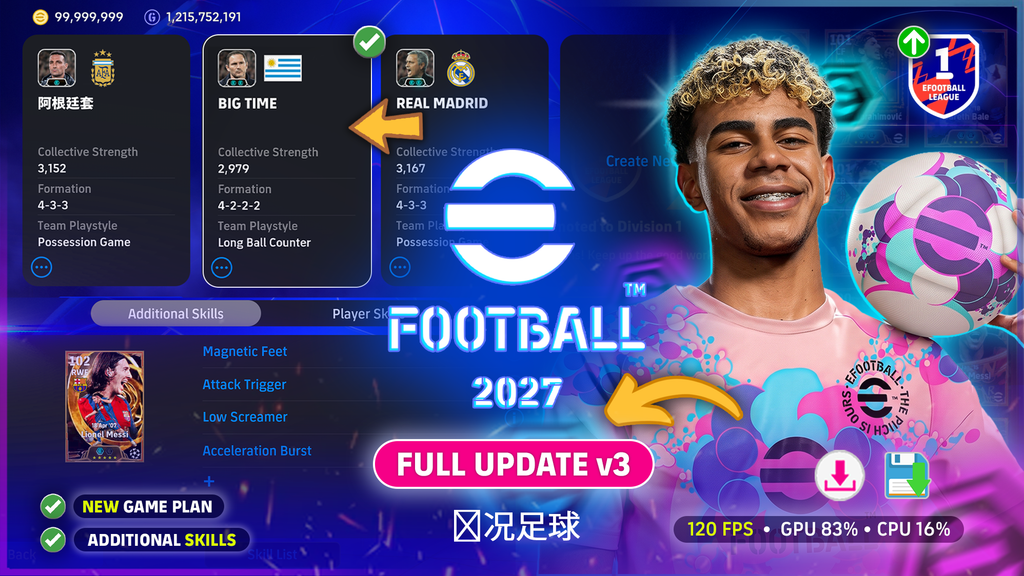
The latest efootxi V1.3.2 Update brings several exciting improvements, including an expanded player database, new Epic and special cards, additional booster managers, improved player training, and important gameplay fixes. This version focuses on providing a more stable offline football experience while improving squad customization, player progression, and match performance.
🛠️ FIXED BUGS – eFootxi v1.3.2
This update focuses on fixing issues from previous versions, including player progression, booster configurations, game plan saving, AI Division, and My League. Check out what’s new in this version!
🎮 Added 14,000+ Players
💾 Fixed “New Game Plan” Save Error
⚡ Fixed Player Progression Reset Issues
📈 Fixed Custom Player Development Not Saving
🚀 Fixed Booster Issues After Precise +6
🎯 Fixed Player Skills Not Saving
🏆 Fixed AI Division Points Issues
⚽ Fixed AI Division Match Progression
🏟️ Fixed My League Issues
👥 Improved Player & Squad Saving
🛠️ Improved Gameplay Stability
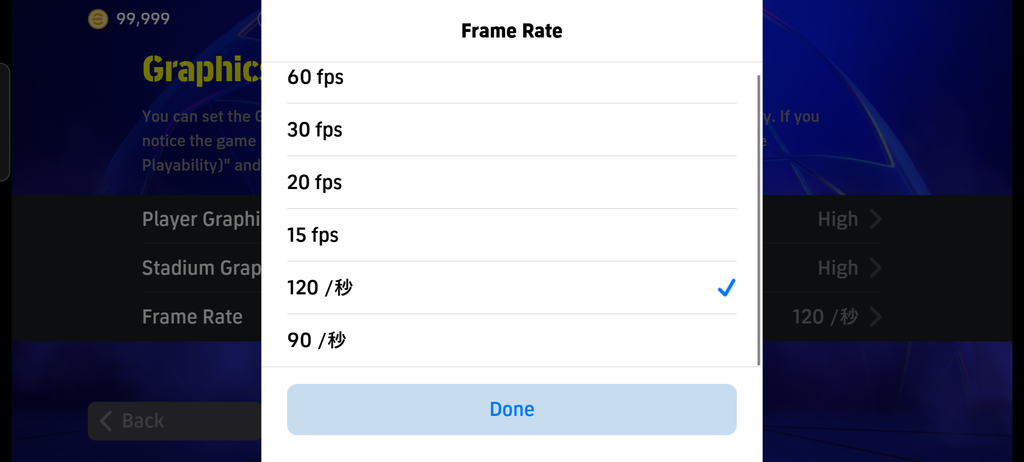
🎮120 FPS Offline Gameplay
The latest version introduces 90 FPS and 120 FPS settings, offering additional performance options for compatible Android devices. Actual frame rates depend on the device’s hardware capabilities and game compatibility.
The resource downloading system has also been improved with automatic download resuming, allowing interrupted downloads to continue without restarting the entire process.
Update announcements and important information are now distributed through the update page, in-game notifications, and the project’s GitHub repository.
💾 SAVE GAME PLAN & PROGRESS
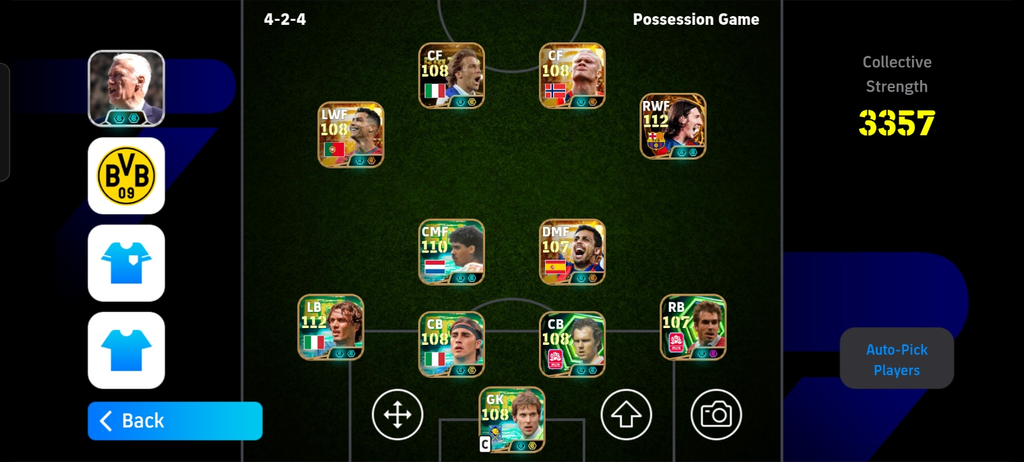
Build your squad and keep developing your players using the available progression systems. The MOD includes support for saving player and squad progress locally.
- 💾 Local Progress Saving
- 👥 Save Player Progress
- ⚽ Save Squad Data
- ⭐ Player Level & Progression
- 🧠 Manager Selection
- 🎯 Skill & Position Training
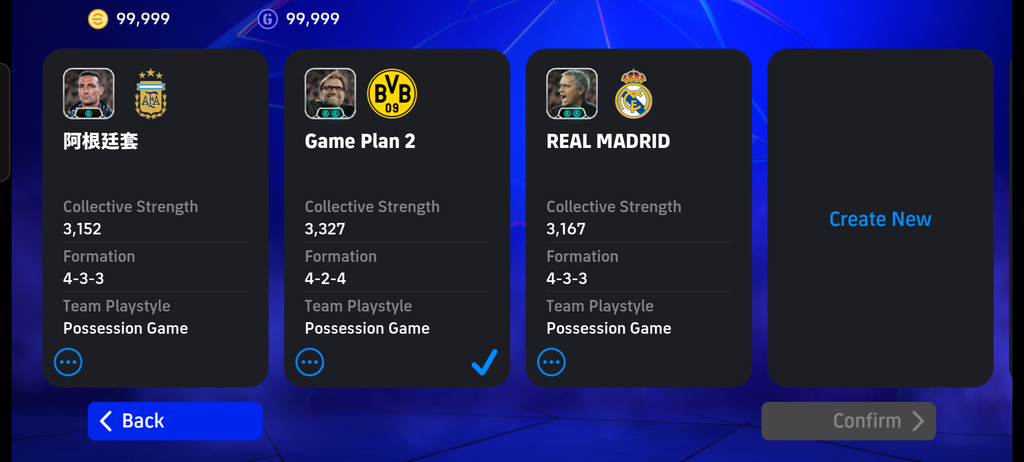
Important: Back up your game data before replacing files or reinstalling the game. Local saving behavior can vary depending on the build and installation method.
👑 Expanded Player Database & Training Improvements
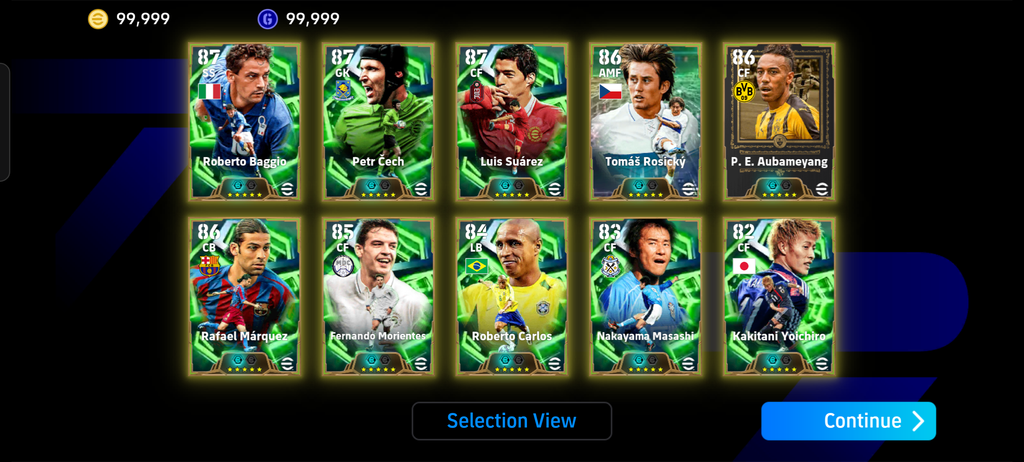
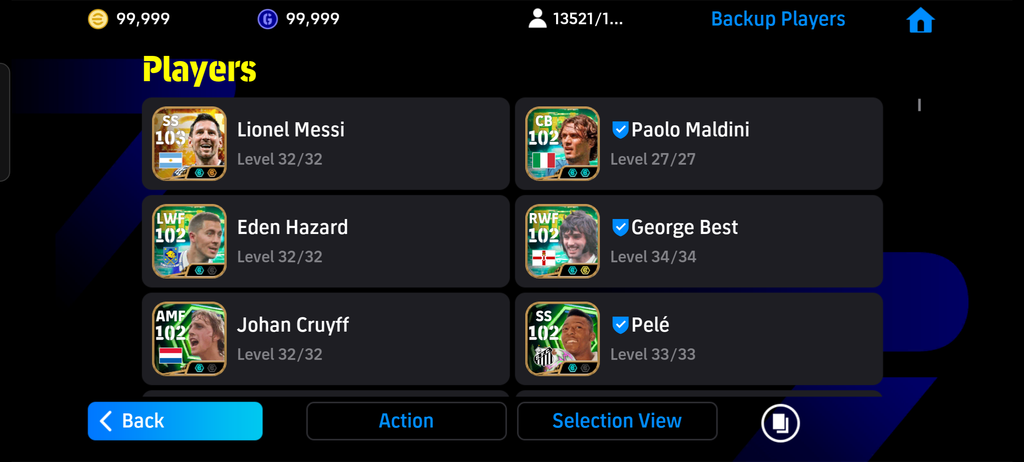
One of the biggest improvements in efootxi V1.3.2 is the expanded player database, which now includes over 14,000 usable player card versions, including more than 7,000 complete special cards. These include Big Time, Showtime, Epic, and other special player versions. Every complete special card is automatically available in the Players list, while standard player cards are not automatically provided.
Player development has also been improved to follow the game’s native recommended progression points by default. Players can still create their own development configurations, and manually saved progression plans will now remain unchanged after restarting the application.
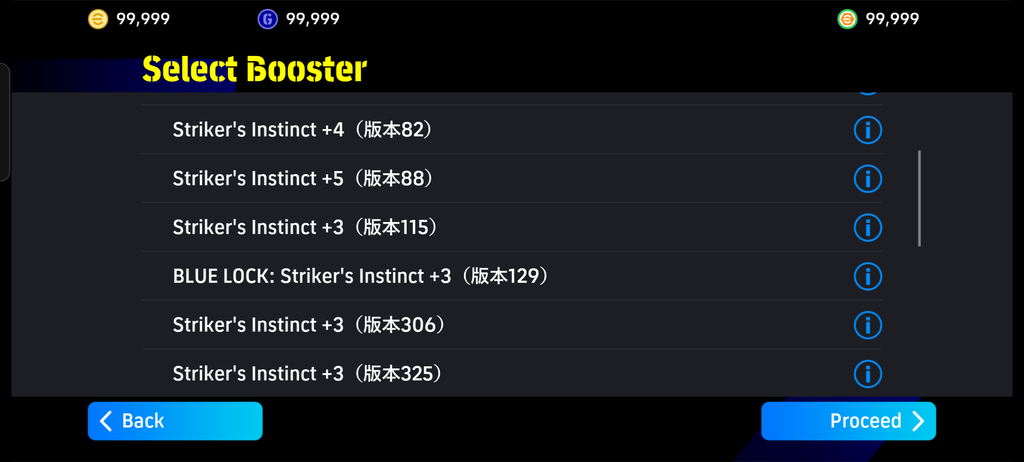
The booster selection system has been redesigned with a two-step process. Players first select a booster category and then choose an available +N booster configuration. This improvement resolves previous crashes related to booster selection and fixes the configuration issue occurring after Precise +6.
⚡ New Special Skills & Position Training
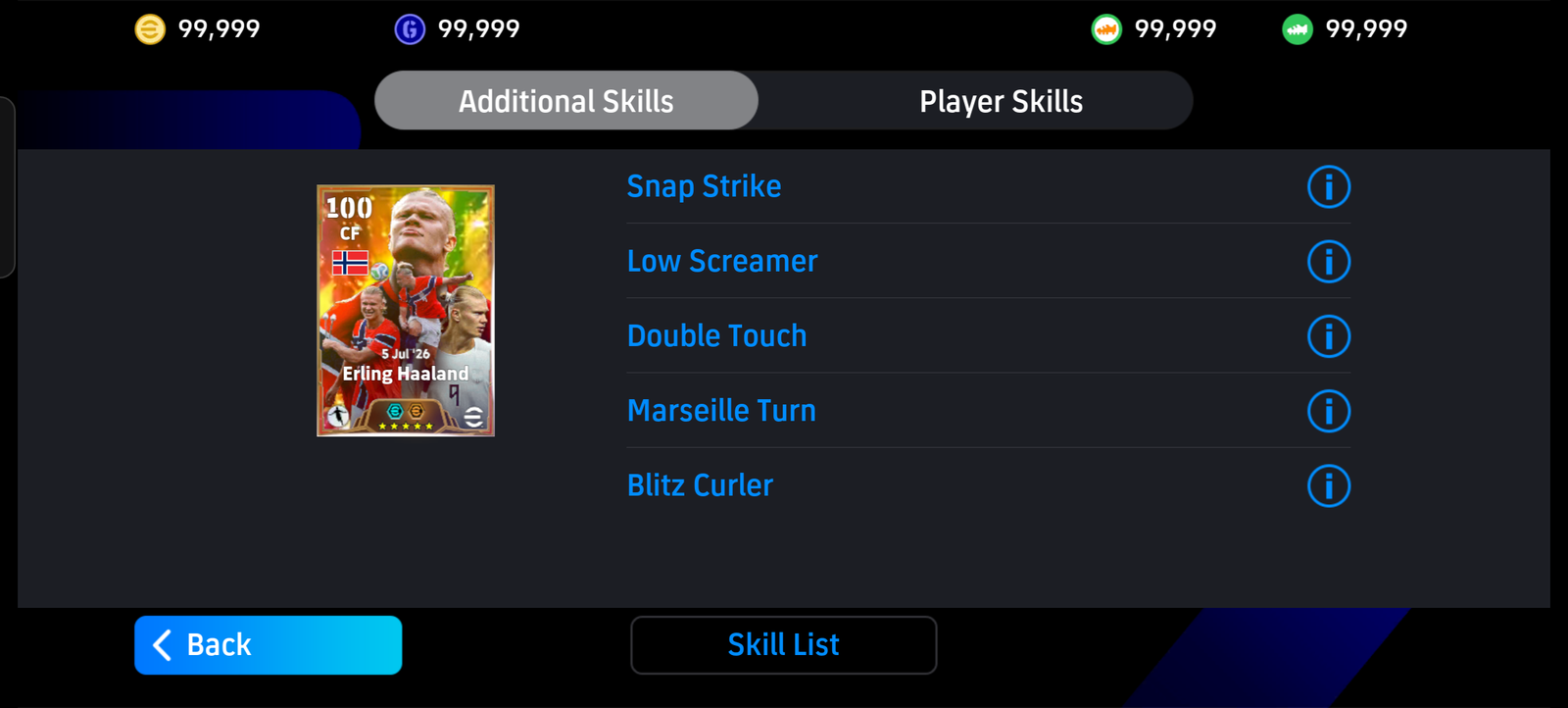
The update introduces four additional special skills: Snap Strike, Unyielding, Power Tackle, and Offensive Conductor. These new abilities offer more customization options when developing players and building squads.
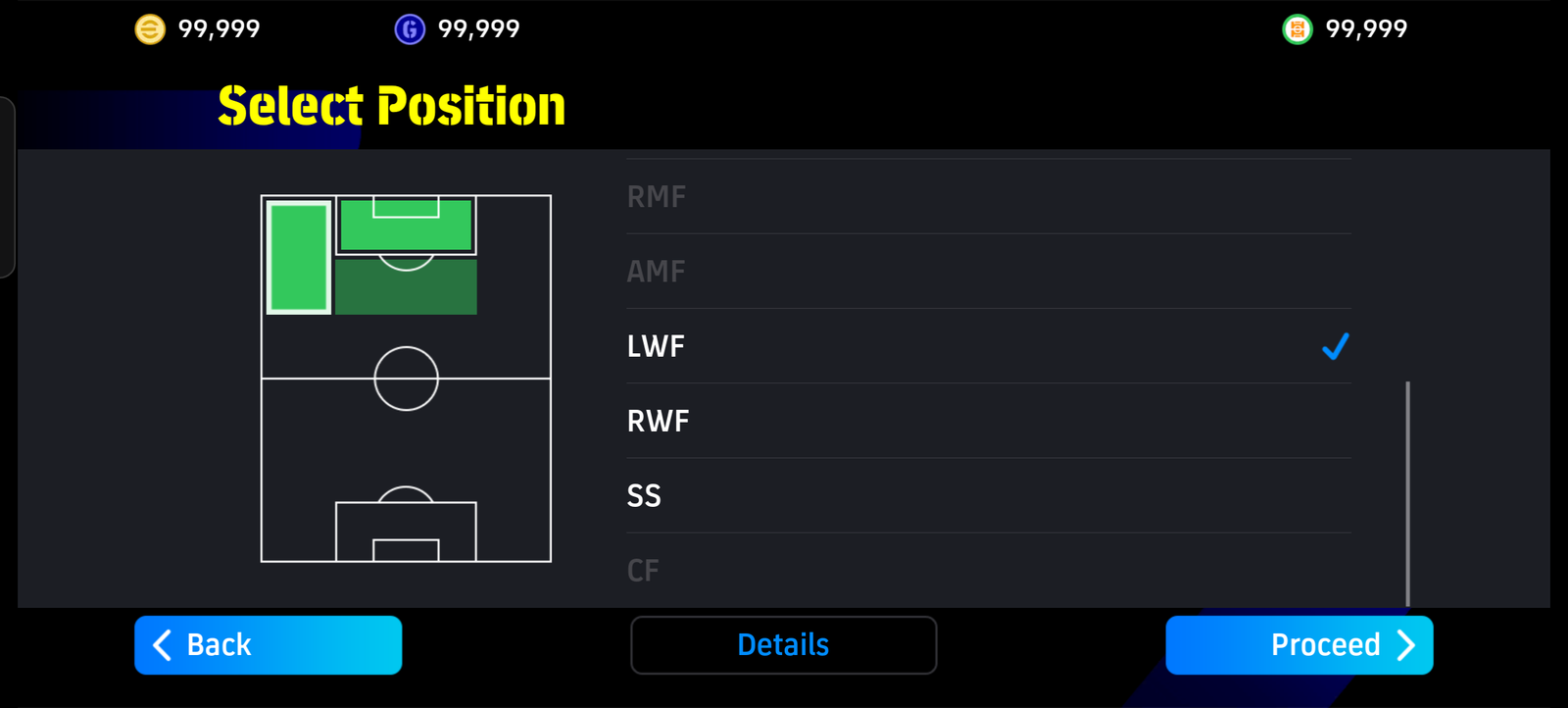
Both regular and special skills can now be selected manually through Player Training → Skill Training. The saving system has also been improved so that skill configurations are stored separately for each individual player copy and loaded correctly during matches.
Position training has received an important fix as well. Previously, certain player upgrades could reset trained positions, but V1.3.2 prevents these changes from being reverted during player development.
🔥 New Epic Players & Updated Draw Pools
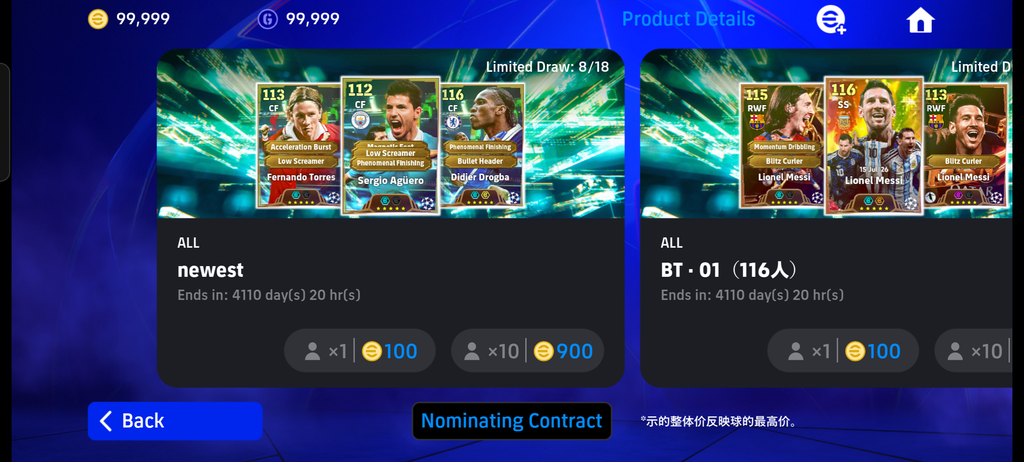
The player draw system has been reorganized to make discovering and collecting special players easier. The first draw pool is now dedicated to the newest available player cards, with its contents rotating whenever a new database update is released.
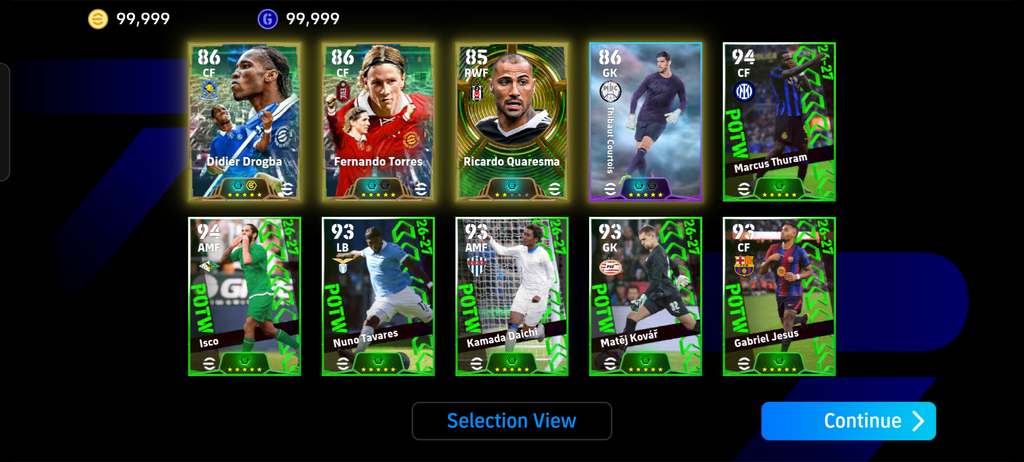
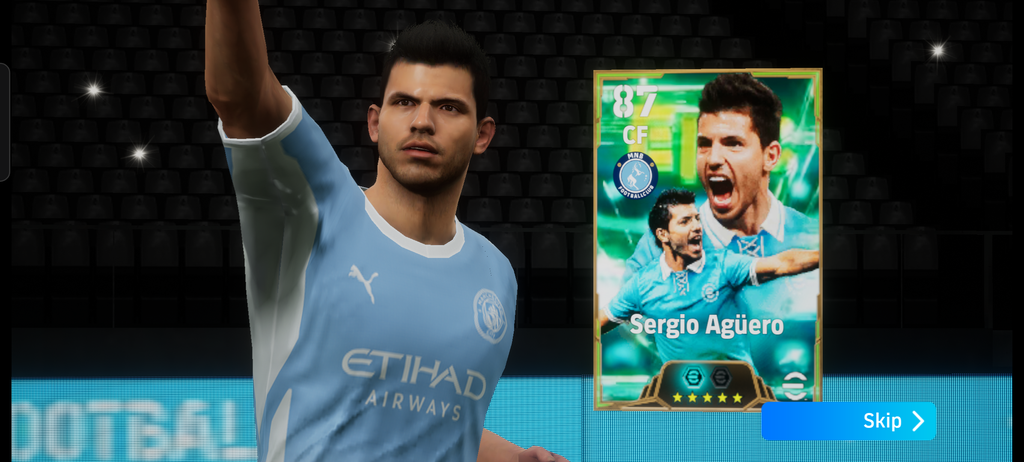
The latest collection includes popular football stars such as Ricardo Quaresma, Didier Drogba, Sergio Agüero, Fernando Torres, Thibaut Courtois, Micky van de Ven, and Wesley. The newest pool also includes the current Weekly Picks, which are fixed at Level 1.
Additional draw pools are restricted to Big Time, Showtime, and Epic cards, with each pool containing a maximum of 300 player cards. This revised structure helps organize the available special player collections.
🧑💼 New Booster Managers & Default Squad
efootxi V1.3.2 expands the manager selection system with the addition of Klopp, Chivu, Ricardo Rodríguez, and Makino as booster managers. Each manager features specific booster configurations and LINK setups, giving players more tactical options for building and managing their squads.
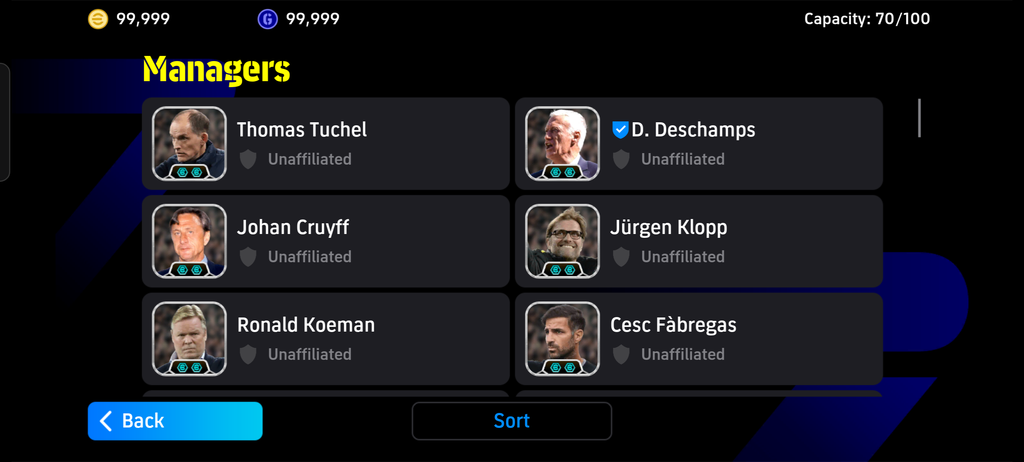
Another noticeable change is the default starting team. Argentina, managed by Lionel Scaloni, now replaces Arsenal as the default squad. However, players who have already created or customized their own lineups will retain those configurations after updating.
🏆 AI Division & My League Improvements
The AI Division mode has received several important fixes to improve gameplay progression. Players can now earn division points correctly, participate in multiple matches, and maintain their previous match history without losing progress.
My League has also been updated to address problems involving home and away match information, team uniforms, team switching, and match statistics. Goalscorer and assist records now function more reliably, making it easier to follow individual player performances throughout league competitions.
The update also resolves local backup issues that previously caused some players to experience launch failures when loading saved game data.
🛠️ Major Bug Fixes & Stability Improvements
efootxi V1.3.2 addresses several issues reported in previous releases, particularly problems involving application startup, player development, booster selection, and local data saving.
The component verification errors and “Local Save Failed” messages introduced in V1.3.1 have been fixed. Player progression configurations are now preserved correctly, special skills load during matches, and position training no longer resets unexpectedly after player upgrades.
Additional fixes improve AI Division progression, My League statistics, team selection, uniforms, and local backup functionality. These changes are intended to make the overall experience more reliable.
⚠️ Known Issues & Limitations
Although this update resolves several major problems, some limitations remain. Certain Featured Player cards originating from the Chinese game version may display black card faces or default player avatars instead of their intended designs.
Some national-team versions may also appear without their official team crests. Additionally, content that has not yet been verified is being withheld from release until it is ready.
💾 Screenshots
📥 Download eFootxi 2027 Chinese Updated APK
No need to use MT Manager! Just download and install this APK directly. If your device doesn’t support it, try the alternative APK version. After installing it, you will wait for the assets to download and then enjoy it.
Preparing your download…
No need for Assetpack. It'll download inside the apk. With improved player customization, offline functionality, additional FPS settings, and a more reliable saving system, this release addresses many of the problems found in earlier versions while expanding the overall gameplay experience.
© Credits: eFootxi
Official GitHub: https://github.com/maxlzyver/efootxi
Video Tutorial
📩 Facing Any Issues? Send me a DM on Facebook at ProttoyPatch with your Android version, affected player card (if applicable), steps to reproduce the issue, and a screenshot or screen recording whenever possible. This will help us identify and fix the problem faster.